
Perception and localization
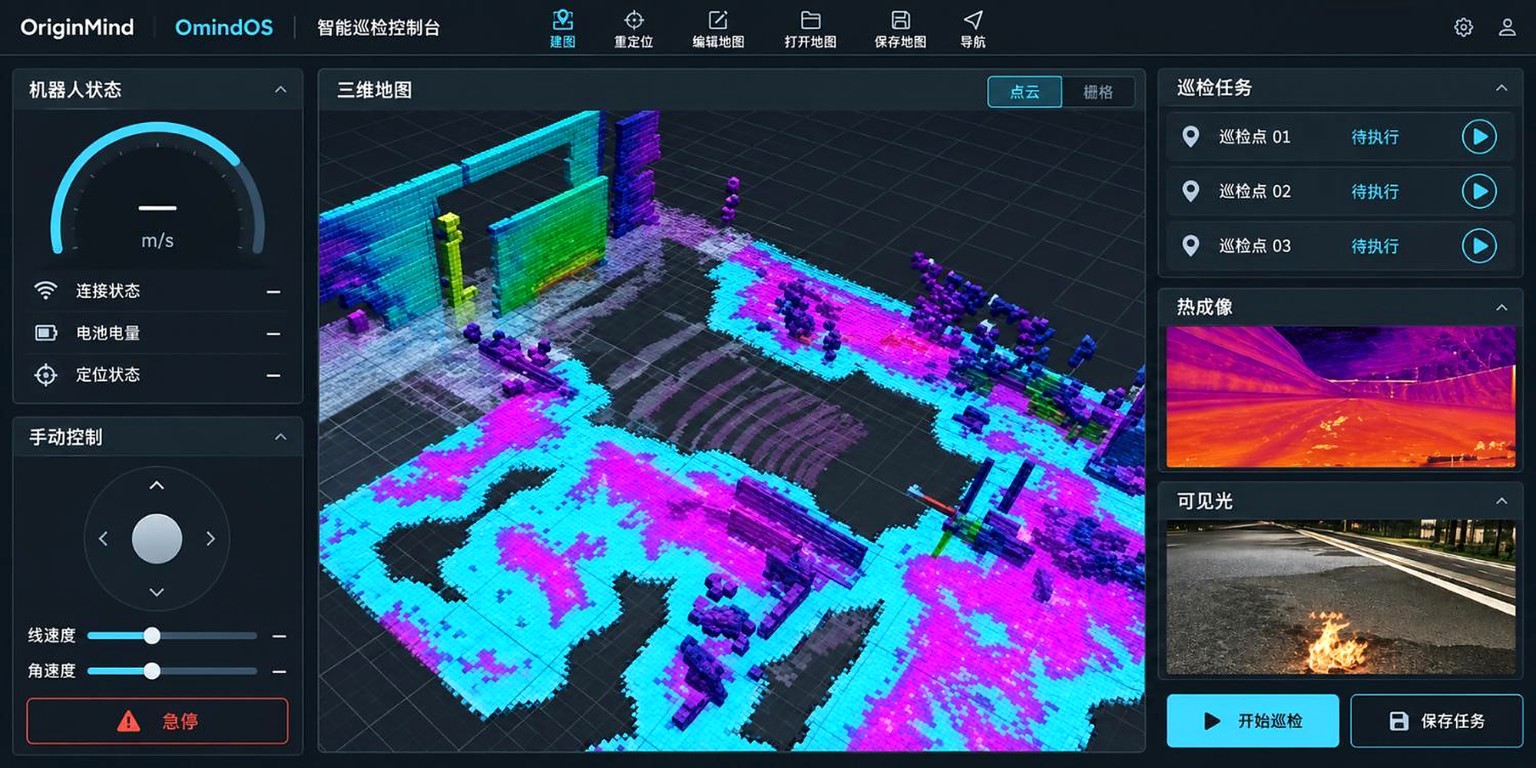
Connect sensor data and maps to establish robot position and understand the surroundings.
OriginMind / Robot Agent OS
OmindOS is OriginMind’s Robot Agent OS. It connects perception, navigation and manipulation in a task workflow, providing a software foundation for mining inspection research and robot integration.
Try Cloud without installing software or signing in. Sign in to configure your own system. The API documentation covers installed local clients.
Capabilities
Use information from the environment, coordinate robot actions and review execution feedback.
Connect sensor data and maps to establish robot position and understand the surroundings.
Plan a route to a target position and coordinate movement and obstacle avoidance.
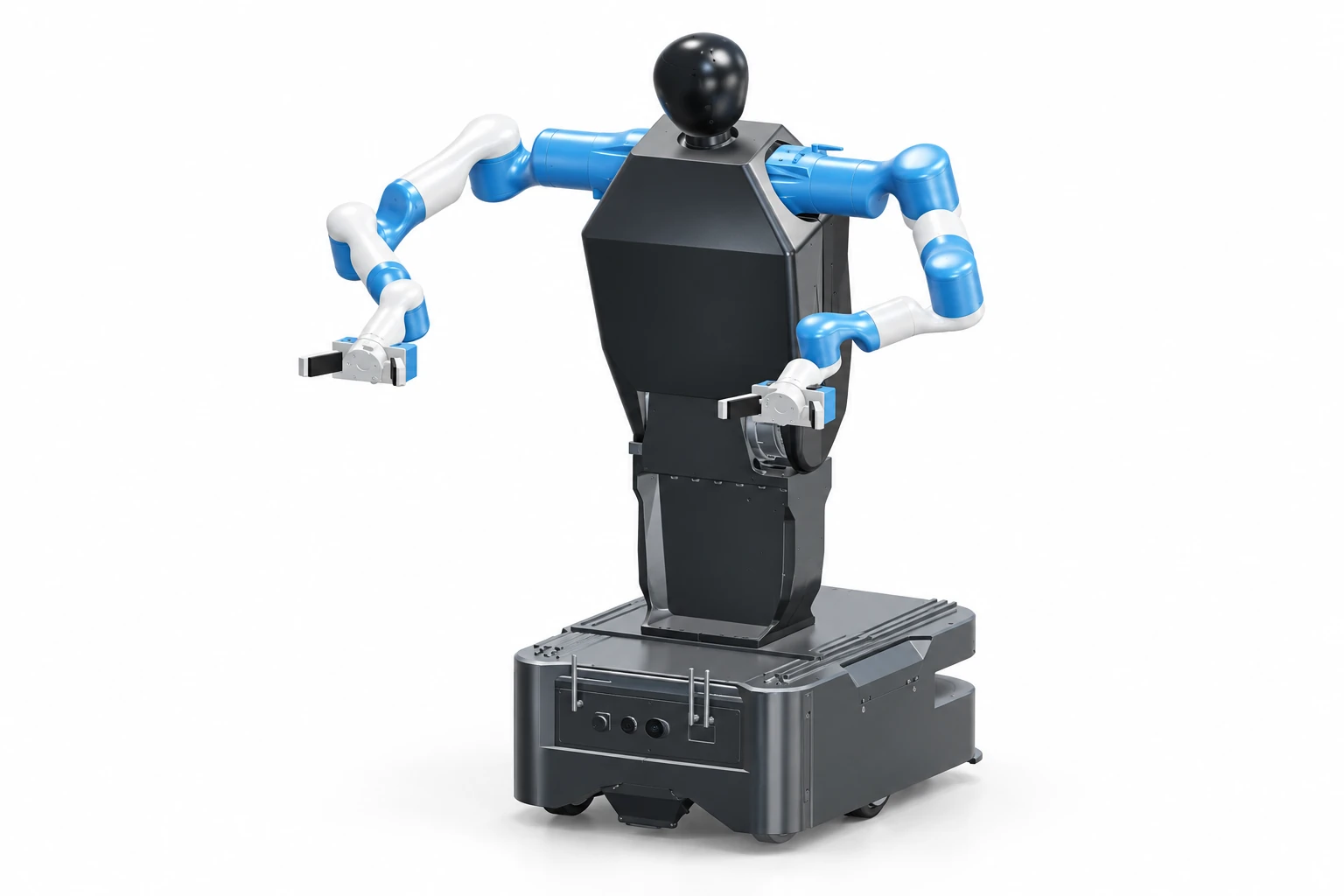
Link arm planning with base movement for research into grasping, transport and coordinated manipulation.
Set the goal and required actions
Link perception, navigation and control
Coordinate actions and their sequence
Track progress and results
OMINDOS CLOUD
Explore navigation and dual-arm coordination in an interactive browser environment.
No sign-in is needed to try it. Sign in to configure your own system.
Application development
Build your own application or work with us to plan your robot integration.
For developers
Explore local client endpoints, request fields and examples. Check your installed version before configuring the local service address.
Read the documentationFor robotics teams and integrators
For mining projects, we review how site maps, inspection locations and source records fit into the workflow, along with data formats and interfaces to existing systems. Q1 integration is being validated as development progresses. Available functions depend on the software version, robot configuration and integration test results.
Learning and practice
Learn to develop and test robot tasks through courses, challenges and field demonstrations.
Build your knowledge of robot navigation, manipulation and system integration.
Explore robotics courses (Chinese)Explore local client APIs, parameter configuration and request examples. Check the software version before developing and validating tasks.
Read the developer documentationWatch a wheeled robot receive instructions, navigate to a target and avoid obstacles in a warehouse.
Watch the demonstration