
Quick start
Confirm your software version, prepare a robot model and read the initial state.
Read the integration guideDEVELOPERS
Explore robot models, find integration guidance and access the documentation available to your account.
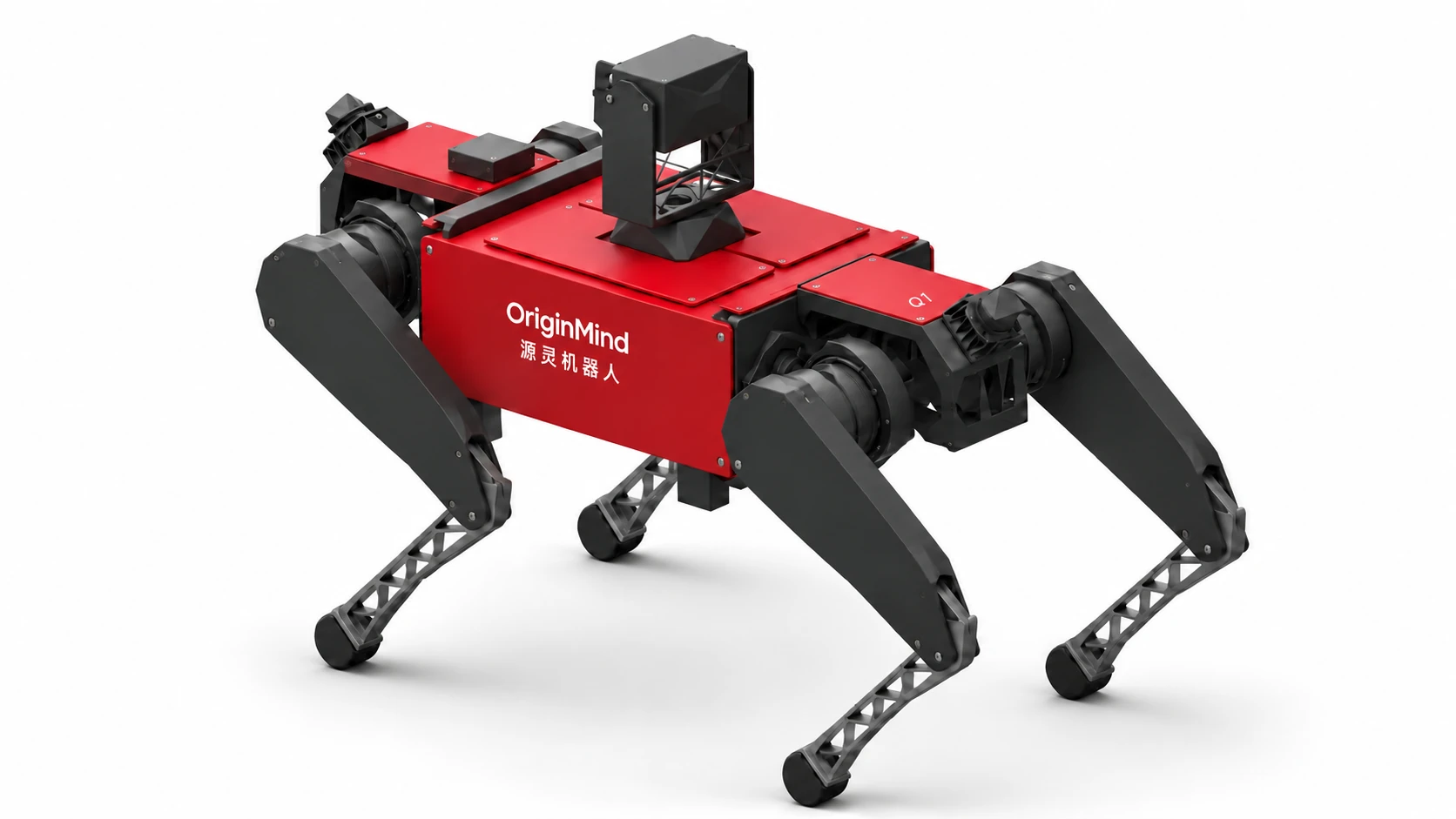
Q1 · Prototype complete
Inspect the Q1 model and its joints, then check which interfaces are available for perception, motion control and inspection tasks.
Confirm your software version, prepare a robot model and read the initial state.
Read the integration guideReview local API examples, supported platforms and the validation required before physical execution.
Explore the API referenceExplore Q1, Go2 and B2 structures and joints in the model viewer. The viewer currently uses Chinese labels.
Open the model viewerWatch simulation examples and check their stated scope before using them in a project.
View demonstrationsSign in to view the files available to your account, including product documentation and development materials. The document library currently uses Chinese labels.
Complete engineering models, runtime configurations and project-specific materials require the appropriate account authorization.